
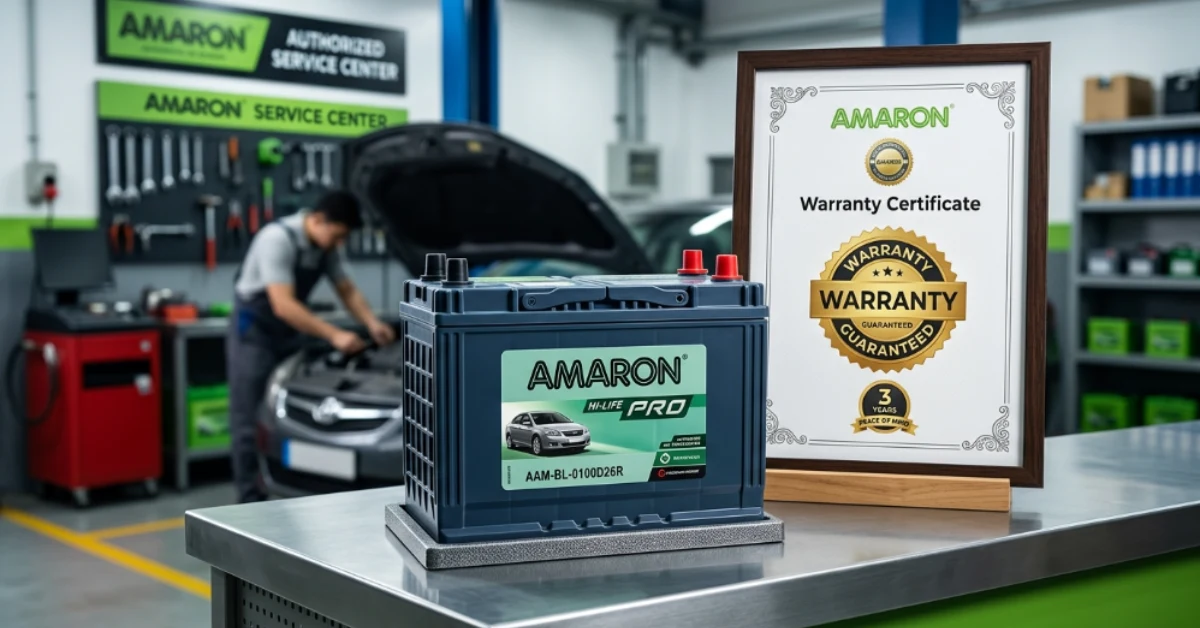
An Amaron battery comes with a warranty that protects you against manufacturing defects for a specific period. You can easily check your warranty status online by visiting the official Amaron warranty portal or using the Amaron Konnekt mobile app. This helps you confirm whether your battery is still covered before you visit a dealer or request a replacement.
To check the warranty, first visit the official Amaron Warranty Registration page or open the Amaron Konnekt app. Enter your battery serial number, registered mobile number, email address, or vehicle registration number in the status check section.
Submit the details to view your digital warranty information. If you use the mobile app, you can also scan the battery barcode or your vehicle number plate to access the warranty record quickly.
Why Checking Your Battery Warranty Online Is Important?
Checking your Amaron battery warranty online saves time and helps you know your battery’s coverage before you make a warranty claim. Instead of searching for old documents or visiting a dealer without information, you can view your digital warranty details within minutes.
It also helps you confirm the battery registration, purchase details, and warranty period. This is especially useful if your battery starts showing signs of weak performance, slow engine cranking, or charging issues. You can quickly check whether your battery qualifies for a free replacement or warranty support.
Information You Need Before Checking the Warranty
Before you check the warranty status, keep the required details ready. The online system uses these details to find your registered battery record. Entering the correct information helps you get accurate results without delays.
You may need one of the following:
- Battery Serial Number
- Registered Mobile Number
- Registered Email Address
- Vehicle Registration Number
The battery serial number is usually printed on a white sticker attached to the top of the battery. If your battery was registered when purchased, any of the other details can also be used to locate your warranty information.
Methods To Check Amaron Battery Warranty Online
Method 1: Check Warranty Through the Official Amaron Website
The easiest way to verify your battery warranty is through the official Amaron Warranty Registration portal. The website allows registered users to check their digital warranty status anytime without visiting a service center.
Follow these steps:
- Visit the official Amaron Warranty Registration page.
- Scroll to the Check Status section.
- Enter your Battery Serial Number, Registered Mobile Number, Email Address, or Vehicle Registration Number.
- Click the Check Status button.
- Your warranty information will appear on the screen if the battery has been registered successfully.
The online portal also helps confirm whether the battery is still under warranty and provides details about the registration record.
Method 2: Check Warranty Using the Amaron Konnekt App
The Amaron Konnekt app provides another simple way to manage your battery information. It allows users to access their digital warranty card directly from a smartphone.
To use the app:
- Download the Amaron Konnekt app from the Google Play Store or Apple App Store.
- Register using your mobile number.
- Open the dashboard and select the Product Status option.
- Scan the battery barcode or enter the required details manually.
- View your digital warranty card and remaining warranty period.
The app is useful because you can check your battery information anytime without opening a web browser.
Where to Find the Battery Serial Number?
Many people are unsure where to find the battery serial number when checking warranty details. Fortunately, it is easy to locate if you know where to look.
The serial number is usually printed on a white label fixed to the top of the battery. It contains a unique combination of letters and numbers that identifies your battery. This number is required for warranty registration, warranty verification, and future service requests. Make sure you enter every character correctly because even one incorrect digit may prevent the system from finding your battery record.
What Information Appears After Checking the Warranty?
Once your details are verified, the system displays the battery’s digital warranty information. This helps you understand your remaining coverage and confirms whether the battery qualifies for warranty support.
The warranty page may show:
- Product registration status
- Purchase or registration date
- Warranty start date
- Warranty expiry date
- Remaining warranty period
- Registered vehicle information
- Product details
Review these details carefully to make sure they match your battery and vehicle information.
What If Your Battery Is Not Registered Online?
Sometimes the online portal cannot find your battery because it was never registered digitally. This does not always mean your warranty is invalid.
If your battery was purchased from an authorized dealer, your stamped physical warranty card remains an important proof of purchase. You should keep this card in a safe place because it may be required during a warranty claim.
In some cases, the battery production date can also be estimated by decoding the serial number printed on the battery cover. If you are unsure, contact your dealer for assistance.
Common Reasons Why Warranty Status Cannot Be Found
If the website does not display your warranty details, there may be a simple reason behind the problem. Checking these common issues can help you solve it quickly.
Possible reasons include:
- Incorrect battery serial number
- Wrong mobile number or email address
- Vehicle registration number entered incorrectly
- Battery not registered after purchase
- Internet connection problems
- Temporary website maintenance
Double-check the information you entered before trying again. If the issue continues, contact an authorized Amaron dealer for support.
Tips to Make Future Amaron Warranty Claims Easier
A little preparation can make the warranty process much smoother if your battery ever develops a manufacturing defect. Keeping accurate records also helps the dealer verify your purchase more quickly.
- Register Your Battery Early: Complete the online registration soon after purchase to create a digital warranty record for future reference.
- Keep the Purchase Invoice: Store your original invoice safely because it confirms the purchase date during warranty verification and claims.
- Save the Warranty Card: Preserve the stamped physical warranty card as an additional proof of coverage if online records are unavailable.
- Choose Authorized Installation: Always install your battery through an authorized dealer to ensure warranty terms remain valid and properly documented.
- Follow Maintenance Guidelines: Perform regular battery inspections and maintenance according to the manufacturer’s recommendations to support warranty eligibility.
- Protect Battery Labels: Keep the serial number label clean and undamaged because it is required for warranty identification and verification.
Proper documentation reduces delays and helps protect your warranty benefits throughout the coverage period.
How Long Does an Amaron Battery Warranty Last?
The warranty period depends on the battery series and model. Different batteries are designed for different vehicles, so coverage can vary. Some batteries include only a free replacement period, while others also provide a pro-rata warranty after the free replacement ends.
Always check the warranty details for your specific battery model because the coverage is not the same across all Amaron battery series. The online warranty portal and digital warranty card provide the most accurate information for your registered product.
When Should You Replace a Battery Instead of Claiming Warranty?
A battery should only be replaced under warranty if it has a manufacturing defect covered by the warranty terms. Batteries that fail because of poor maintenance, accidental damage, deep discharge, or normal wear usually do not qualify.
If your battery is several years old, frequently loses charge, struggles to start the engine, or fails a battery load test, it may be more practical to install a new battery. A professional battery inspection can determine whether replacement or a warranty claim is the better option.
Conclusion
Checking your battery warranty online is a quick way to confirm whether your battery is still covered before requesting support. Visit the official Amaron warranty portal or use the Amaron Konnekt app.
Enter your battery serial number, registered mobile number, email address, or vehicle registration number. Your digital warranty details will appear within minutes if the information matches the registered records.
If your battery needs inspection or replacement, Battery Zone UAE offers professional Amaron battery replacement service in the UAE. Our experienced technicians provide genuine Amaron batteries, expert installation, battery testing, and reliable support to help keep your vehicle starting smoothly in every season.